
Truly Preserved is reader-supported. If you buy through a link on this page we may earn a commission at no extra cost to you. Nobody pays for placement or scores.
THE SHORT ANSWER
Longer than most people guess — Starlink is a modest load. Starlink’s own figures put the current Standard kit at 75–100 watts average and the Mini at 20–40 watts, so a 1,024Wh power station runs a Standard kit for about 8.7 hours at the top of its range, and a Mini for about 21–44 hours depending on where in its range yours sits. A 2,073Wh station roughly doubles that: about 17.6 hours of Standard, or coming up on two full days of Mini. The traps are not the averages — they are snow melt, which pushes a Standard kit toward 140 watts, and leaving the dish on all night for a connection nobody is using.
Starlink keeps working in an outage for a simple reason: the satellites do not care about your power cut. The dish and router on your house do — they have no battery of their own, so the moment the grid drops they go dark unless something of yours is feeding them. This page runs Starlink’s own published power figures through the same 85%-usable method we use for fridge runtime: 85% of a station’s rated watt-hours is what reaches a device on its AC outlets. One clarification before the table, because sellers blur it: Starlink’s published averages already include the dish, the Wi-Fi router, the power supply, and the cables, measured at the wall. You do not add the router again.
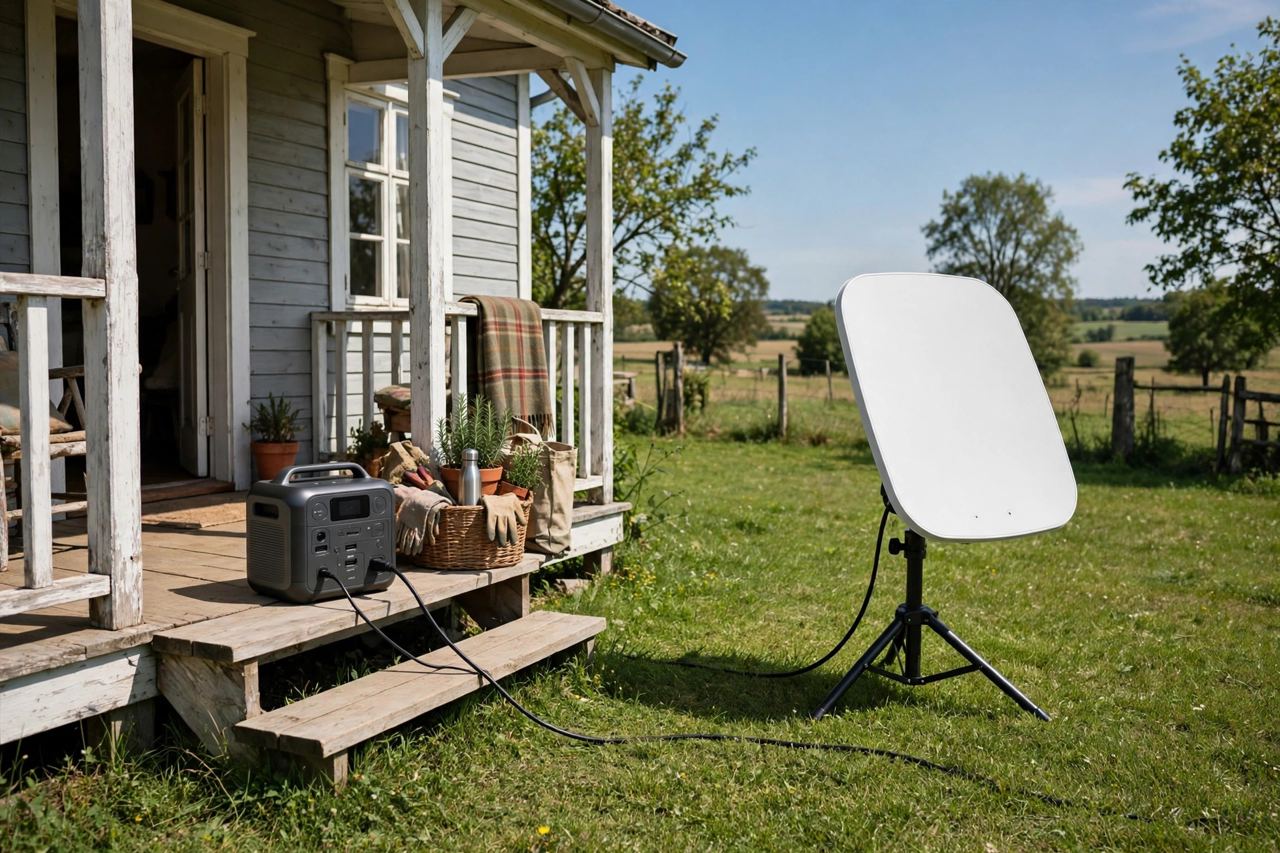
How many watts does Starlink actually use?
Starlink publishes two sets of numbers — averages in its help centre and averages on each kit’s specification sheet — and they agree closely. These are the maker’s figures.
| Kit | Average draw | Idle draw |
|---|---|---|
| Starlink Mini | 20–40W | 15W |
| Standard Actuated (Gen 2) | 50–75W | 20W |
| Standard (current kit) | 75–100W | 20W |
| Standard, snow melt working | ~120–140W | — |
We plan on the top of each range — 40 watts for a Mini, 100 watts for a Standard — because an outage plan built on the kind end of a range is a plan that runs out early. Two footnotes belong with the table. The Mini’s own specification sheet says 25–40 watts where the help centre says 20–40; we plan at 40 either way, so the difference costs nothing. And snow melt has no separate published watt figure: the dish warms itself by working its transmitter harder, Starlink publishes the melt rate (up to about 40mm of snow an hour on the Standard kit) rather than the watts, and measured winter draws cluster around 120–140 watts. In snow country, 140 is the honest planning number.
Runtime by station size and kit
| Station size | Mini at 40W | Standard at 100W | Standard, snow melt 140W |
|---|---|---|---|
| 500Wh | ~10.6 hours | ~4.3 hours | ~3.0 hours |
| 1,024Wh | ~21.8 hours | ~8.7 hours | ~6.2 hours |
| 2,073Wh | ~44 hours | ~17.6 hours | ~12.6 hours |
| 3,600Wh | ~76 hours | ~30.6 hours | ~21.9 hours |
The full-day math is the row most households actually need. A Standard kit left on around the clock at 100 watts uses 2,400 watt-hours a day, which is about 2,824 watt-hours of nameplate battery — the 3,600Wh class covers a full day with margin, and the 2,073Wh class covers a waking day of about 17 hours if the dish sleeps when you do. A Mini around the clock at 40 watts uses 960 watt-hours a day, about 1,129 nameplate: a 1,024Wh station nearly does it, and anything in the 2kWh class does it twice over. Our Power Station Size Calculator runs the same arithmetic for your station and your hours, and our station comparisons cover the boxes themselves.
Score out of 10
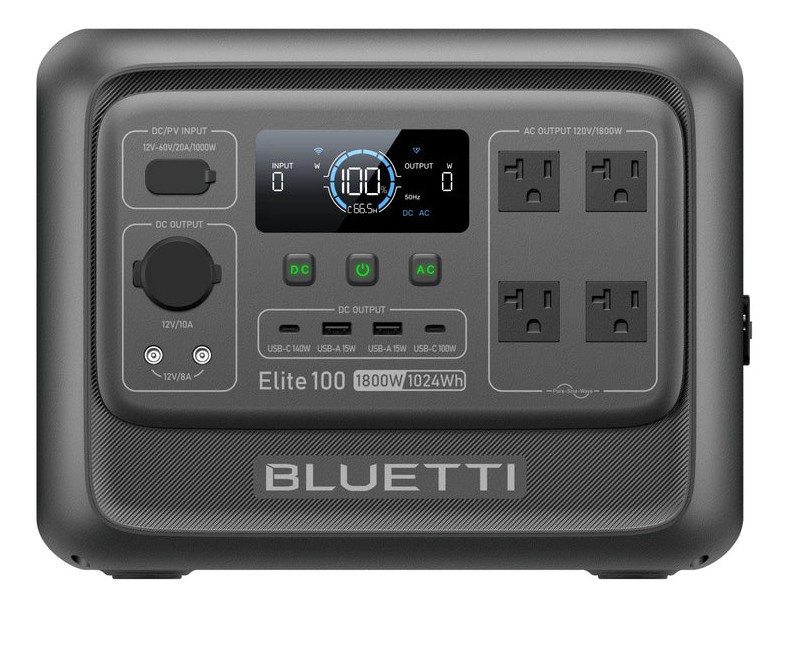
Bluetti Elite 100 V2
1,024Wh: about 21.8 hours of Mini at its hungriest, or 8.7 hours of Standard — the right size for a connection-first outage kit.
Check AvailabilityWhy does snow melt cut the runtime so hard?
Snow melt cuts a Starlink’s runtime because the dish heats itself with the same transmitter it talks with — there is no separate heater loafing along at a few watts. When the dish detects snow, it works harder and draws harder: measured draws on a Standard kit rise from the 75–100 watt average toward 120–140 watts, which takes a 1,024Wh station from about 8.7 hours down to about 6.2. The setting lives in the app under Settings, then Starlink, then Snow Melt, with three choices: Off, Automatic, and Pre-heat. Automatic — Starlink’s recommended setting — heats only when it detects snowy conditions, and it is the right outage setting for almost everyone. Pre-heat keeps the dish warm continuously ahead of a storm, which is a grid-power luxury; on a battery it spends your night before the snow arrives. Turning melt Off entirely saves the most and risks the connection: a dish buried under wet snow has nothing to talk to.
Should you leave Starlink on all night during an outage?
Usually not — leaving Starlink on all night is the single biggest waste in the table. A Standard kit idles at about 20 watts and averages far more while anyone is awake; eight overnight hours at even a blended 50 watts is 400 watt-hours, close to half of a 1,024Wh station, spent holding a connection nobody is using. Starlink’s own answer is the Sleep Schedule in the app (Settings, then Starlink, then Sleep Schedule): the dish powers down for the hours you set and wakes on its own. Two catches come from Starlink’s own help pages: while asleep the kit gives no internet, does not melt snow, and cannot be managed remotely — and the schedule clock runs on UTC, not your local time, so set it by converting, not by guessing. The simpler version of the same saving is a timer habit: dish off at bedtime, on with the coffee. Each restart costs a few minutes while the dish boots and finds the satellites again, which is a fair trade for hours of battery.
Does running a Mini on DC instead of AC change the runtime?
Yes — a Starlink Mini on DC runs measurably longer from the same station, because the Mini is the one kit built for it. Its specification sheet lists a 12–48 volt DC input rated at 60 watts, so a station’s 12V output can feed it without the AC inverter in the path at all. That saves twice: the inverter’s conversion loss disappears, and so does the inverter’s own idle draw, which matters out of proportion at a 25–40 watt load — a hungry inverter left running can eat a noticeable slice of a small battery just staying awake. The Standard kit has no such native input; it runs on AC, or on DC only through a step-up converter of the kind Starlink’s own support pages describe for vehicle installs. If outage runtime is the reason for the purchase and you have not bought the kit yet, the Mini’s DC appetite — roughly a third of the Standard’s draw, on a battery it can sip directly — is a genuine argument for it, weighed against its smaller dish and built-in Wi-Fi 5 router. One specification to respect either way: by USB-C, Starlink requires a 100W Power Delivery supply at 20V/5A with its own cable accessory; a 65W phone-class brick will not run it.

Anker SOLIX PS100
6.2 lb of bifacial panel with a 5-year warranty — the one that lives in the car and actually gets used.
Check the price

Anker SOLIX PS200 Bifacial
The C1000 and F2000 default — 200W through the standard plug.
$499.99 from AmazonWhat else will be drawing from the same station?
Starlink rarely gets the station to itself in a real outage, and the honest runtime is the shared one. The loads that typically join it are small but not free: a laptop at 40–65 watts while it works, phones at a few watt-hours each per charge, and lights. The load that outranks all of these is a medical one: an oxygen concentrator draws 100 to 350 watts around the clock, and its runtime math should be done first, before the connection budget is set. Add a working laptop to a Standard kit and the combined draw is roughly 150 watts — a 1,024Wh station’s 8.7 hours becomes about 5.8. This is also where the fridge comparison bites: a fridge is a far bigger claim on the same battery (our fridge runtime page works those numbers), and a household that wants the fridge cold and the internet up through a two-day outage is shopping in the 2kWh class with a recharge plan — solar by day, per our panel compatibility pages, or a generator run in the morning. Starlink’s virtue in that company is that it is cheap to keep: of everything in the outage plan, it asks for the least per hour of usefulness.
Viewers also searched for these items.
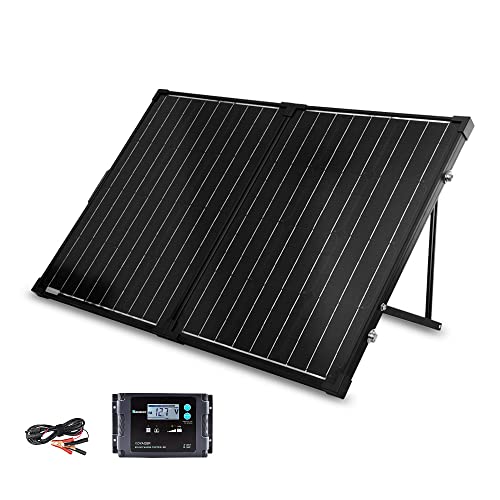
Renogy 100W Solar Suitcase
A folding suitcase panel from Renogy for the same job — easy to store with the station and quick to set out when the power goes.
$154.98 from Amazon
Anker SOLIX C1000
1,056Wh with a sub-20ms switchover — the dish rides through a flicker without rebooting.
Check the price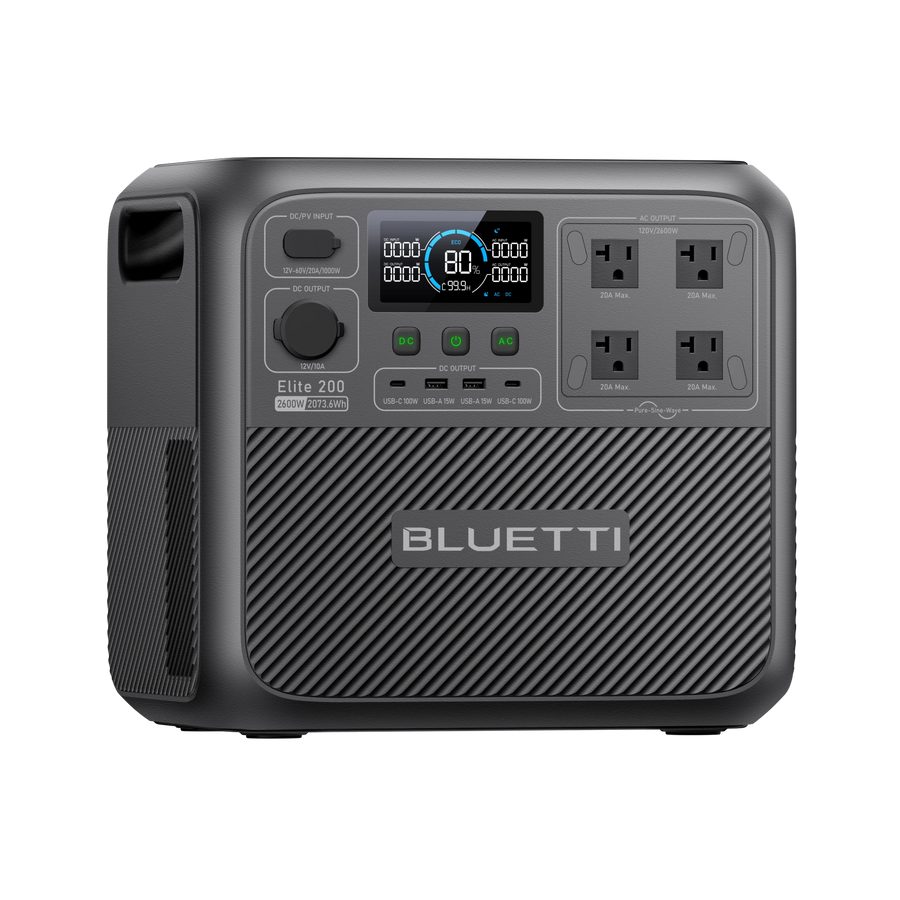
Bluetti Elite 200 V2
2,073.6Wh — about 17.6 hours of Standard, or a Mini for the best part of two days.
Check the priceFrequently Asked Questions
How long will a 1,000Wh power station run Starlink?
About 8.7 hours for a current Standard kit planned at the top of its 75–100 watt range, and about 21.8 hours for a Mini planned at 40 watts — longer for both if your kit sits at the kind end of its range, shorter in snow-melt weather. At idle alone, a Standard kit’s 20 watts would stretch the same station past 40 hours, but idle is not a connection anyone is using.
How much battery does Starlink need for 24 hours?
About 2,824Wh of nameplate battery for a Standard kit at 100 watts around the clock, and about 1,129Wh for a Mini at 40 watts. Sleeping the dish overnight cuts the Standard figure by roughly a third, which is why the 2kWh class covers most households that turn it off when they do.
Does Starlink work during a power outage?
Yes, as long as the dish and router are powered — the satellite network itself is unaffected by a local outage. Without backup power the kit goes dark with the house, and when power returns it needs a few minutes to boot and reconnect. A station with a fast rated switchover, run in pass-through, keeps it up through the flicker entirely.
Can a power station run Starlink and a fridge at the same time?
On a 2kWh-class station, yes: Starlink’s 75–100 watts is a small claim next to a fridge’s daily appetite, and the pair together is the standard two-day-outage load our fridge and station pages size for. On a 1,024Wh station the pair shares about 870 usable watt-hours, which is a day of neither done well — pick the station for the fridge and let Starlink ride along, not the other way round.
Prices last checked: November 18, 2026, via the tracked links above — no prices are printed on this page because station prices move weekly. Power figures are Starlink’s: help-centre averages (Standard 75–100W, Mini 20–40W, Standard Actuated 50–75W; idle 20W / 15W) and the Mini specification sheet (25–40W average, 12–48V DC input at 60W, 100W USB-C PD minimum). Snow-melt draw is a planning figure from measured winter reports, labelled as such in the text — Starlink publishes a melt rate, not a watt figure. Runtimes are our arithmetic at 85% usable capacity. Last updated: November 18, 2026.
This question sits in What People Are Asking About Backup Power — the full list of backup-power questions from real forums, each with a short answer. The station comparisons behind these numbers live on Preserve the Power.
Prices shown on this page were last checked November 26, 2026 — prices change; check before you buy.
Talk it over with other readers
The Truly Preserved Community on Facebook is where readers compare notes on food storage, water, and backup power — and where your questions help decide what we research next.